Training Coordinator, Industrial Paint Manufacturer
“The safety induction for new hires was handled smoothly. Elion brought their own AV equipment and kept the session engaging. We’re thinking of repeating this monthly.”

And Consulting Private Limited
And Consulting Private Limited
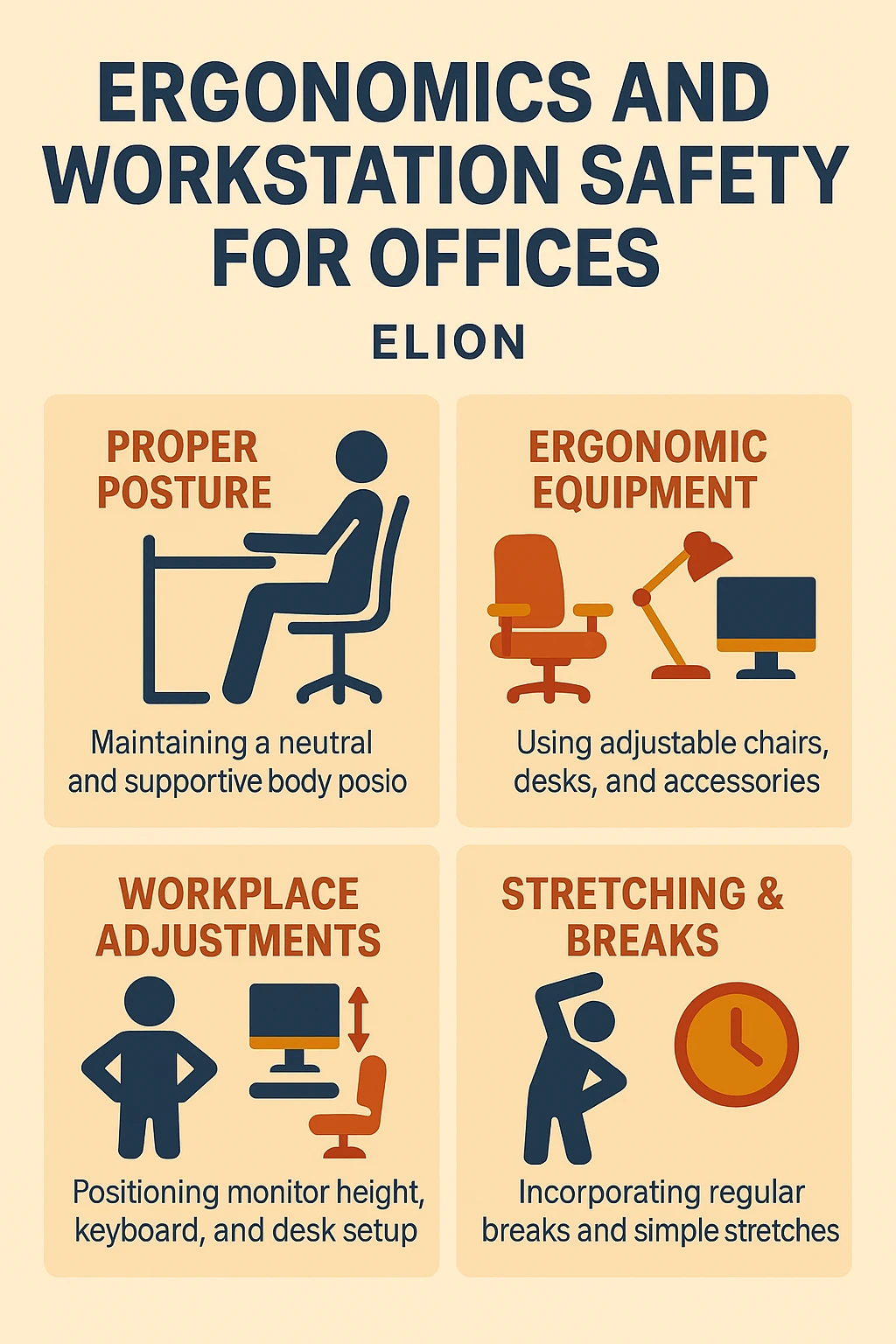
Elion’s office ergonomics and workstation safety training covers posture, seating, screen positioning, and simple low-cost adjustments that reduce strain and injury risk for office staff. Delivered on-site, customized to your workspace — trusted since 2010 across 30,000+ audits and training programmes.
Repetitive strain injuries, poor posture, and improper workstation setup lead to decreased productivity, long-term musculoskeletal disorders (MSDs), and increased absenteeism. Office ergonomics training helps your employees understand how to work safely and comfortably, reducing health risks and improving overall workplace well-being.
Elion customizes ergonomics training for office staff, remote workers, and control room personnel, focusing on actual desk layouts, screen usage, seating, and posture correction techniques. The goal is to ensure health and productivity go hand-in-hand.
Participants receive a Certificate of Participation from Elion Technologies. The training aligns with:
– Correct seating posture and chair adjustment
– Screen height, distance, and lighting to reduce eye and neck strain
– Keyboard/mouse positioning to reduce repetitive strain risk
– Simple stretches and movement breaks to counter prolonged sitting
– Low-cost furniture and setup adjustments — no major budget required
– Practical, workspace-specific recommendations using your own office layout
Delivered on-site as an interactive session, typically covering the principles above followed by practical, individual workstation reviews where time allows. Sessions are customized to your office layout and team size — request a quote to discuss format and duration for your team.
Looking to boost health, comfort, and efficiency in your office?
Request a Quote or contact us at [email protected].
“The safety induction for new hires was handled smoothly. Elion brought their own AV equipment and kept the session engaging. We’re thinking of repeating this monthly.”
“Good response from our team for the chemical spill drill and awareness session. We had a minor leak last year and this training was timely. They even explained the MSDS sheet details clearly.”
“Elion conducted ergonomics training for our office support staff. They gave tips that don’t need any budget—just posture, breaks, and seating angles. Everyone found it useful.”
“Warehouse safety training was organized at our distribution center. The module covered stacking, material flow, and emergency handling. One or two team leads found the content basic, but the newcomers appreciated it.”
“The hot work and gas cutting safety training helped us address some recent near-misses. Our fabrication contractors said it was the first time anyone explained why permits matter, not just how to fill them.”
“We held a training on ergonomics and workstation safety. Elion’s speaker had a practical approach—suggested small furniture changes and posture tips that didn’t cost much but helped our office staff.”
“Elion covered cold storage safety and ammonia handling well. Some of our technicians said it was the first time they understood how to respond to leaks. We may request them for a follow-up drill.”
“Our garment unit required machine safety awareness for new joiners. Elion kept it interactive and used visuals from our own plant, which the workers related to.”
“The crane and material handling training helped reduce near misses in our yard. The trainer also gave tips that were not in the slides, based on their field experience. That made a difference.”
“We requested a training module on emergency evacuation procedures. Elion included site-specific examples which helped. The mock drill later was well-coordinated too. Our fire wardens felt more confident after the session.”
This training teaches employees how to set up their workstations and perform tasks in a way that reduces strain, prevents injuries (like musculoskeletal disorders), and improves comfort and productivity. It covers posture, equipment adjustments, lifting techniques, and workplace design best practices.
Seating posture, screen and keyboard positioning, movement breaks, and practical low-cost workstation adjustments — see the section above for the full list.
Office workers, remote employees, facility managers, and HR wellness teams.
Typically half-day.
Both modes are available.
Yes, including English and Hindi.
Yes, based on workplace setup and client needs.
Yes, Elion tailors the session content and practical recommendations to your actual workspace and furniture setup.
Session length is scoped based on team size and format (lecture-only vs. lecture plus individual workstation reviews) — discussed during the initial consultation.
Yes, where relevant, the training includes practical, often low-cost adjustment recommendations rather than assuming a full furniture overhaul is needed.
Any office-based team, particularly those spending long hours at a desk — HR and facilities teams often organize this as part of broader employee wellness initiatives.
Yes, ergonomics training is often scheduled alongside other workplace safety or wellness sessions during the same visit.
Yes, participants typically receive a summary of key recommendations they can refer back to after the session.
Contact Elion with your team size and preferred timing, and a session will be scoped and scheduled accordingly.
Fields marked with an asterisk (*) are required
Workplace safety is a critical aspect of any organization, as it not only ensures the well-being of employees but also contributes to the overall success of the business. Implementing safety measures and protocols can significantly reduce the risk of accidents and injuries, creating a safer and more secure work environment…
Elion’s Safety Training Program is a comprehensive initiative designed to enhance workplace safety and promote a culture of awareness among employees. In an era where industrial safety is paramount, Elion has taken significant strides to ensure that its workforce is not only aware of potential hazards but is also equipped…
Fire drills and safety training are crucial for any organization to ensure the safety and well-being of its employees. In the event of a fire or other emergency, it is essential that employees know how to respond quickly and effectively to minimize the risk of injury or loss of life.…
Emergency preparedness training is crucial for any industrial setting as it ensures the safety and well-being of employees, as well as the protection of valuable assets. In the event of an emergency, having a well-trained workforce can mean the difference between a minor incident and a major catastrophe. By providing…
Electrical and fire safety audits are crucial for ensuring the safety and well-being of individuals and properties. These audits help identify potential hazards and risks associated with electrical systems and fire protection measures. By conducting regular audits, property owners and managers can proactively address any issues and prevent accidents or…
Mumbai, the bustling financial capital of India, is renowned for its vibrant culture, diverse population, and a plethora of shopping destinations. Among these, shopping malls have emerged as significant social and commercial hubs, offering a blend of retail, entertainment, and dining experiences. One such prominent shopping mall in Mumbai is…
As we embark on our journey together, we find ourselves at the heart of Team Elion, a dynamic group dedicated to excellence in our respective fields. Our team is not just a collection of individuals; we are a cohesive unit that thrives on collaboration, innovation, and a shared vision for…
Cement factories are critical components of the construction industry, providing the essential material for building infrastructure, homes, and commercial properties. However, the production of cement involves complex processes that can pose significant risks to workers if not managed properly. Therefore, training in cement factories is not merely a regulatory requirement;…
Workplace safety training is a critical component of any organization’s operational framework. It serves as the foundation for creating a safe and healthy work environment, which is essential not only for the well-being of employees but also for the overall productivity and efficiency of the organization. The significance of such…
Safety training for factory workers is of utmost importance as it ensures the well-being of employees and the smooth operation of the factory. Factory environments are often filled with potential hazards, from heavy machinery to chemical exposure, and it is crucial for workers to be equipped with the knowledge and…